Motion backgrounds for worship, ready for Sunday
154+ living effects, a Studio to make your own, and animated titles and lyrics. Export MP4s for ProPresenter, EasyWorship and more.
Free plan · No credit card · Pro exports up to 4K at 60 fps
- ProPresenter
- EasyWorship
- MediaShout
- OpenLP
- OBS Studio
- PowerPoint
New since August
See pricing →- Elements collection
- Effect Studio · 23 new Kinds
- Moments & collections
- Title looks & motionPRO
- Glow & outline for lyricsPRO
- GIF & video layersPRO
- Crossfade & Preview window
- Song builds & export
Every effect, title and lyric below is rendered by the real SongServant engine — recorded from the app or drawn live in your browser.
New · The Elements collectionEvery plan
Wind and water, earth and sky, light and fire.
27 new effects across fire, wind, water, earth, light and sky, each built its own way. Below, one favourite per element.
154+ effects in the library — every one on every plan. Tune any of them: speed, scale and more.
Browse 151 of them, playing live →New · The effects libraryEvery plan
The right effect for the moment, playing live.
HoverTap any effect to watch it run in your browser — the same shader the app renders. Grouped by moment, as in the app, where you can bookmark favorites into your own collections.
151 of our 154+ effects · Every one on the Free plan
New · Effect StudioEvery plan
Make your own effect. No code.
Start from one of 18 starters or 68 Kinds, then shape it with dials for color, light and lens. A lyric-safe check tells you the words will still read.
- Surprise me rolls a fresh idea. 40 one-tap palettes, Light dials like Hot core and Sparkle, Lens dials like Prism and Light leak.
- Saved effects land on the Effects page, ready as a background — or, with Pro, inside your lyrics. Prefer code? There’s an Expert GLSL tab.
68 Kinds to start from — 23 of them new.
 Stage Spots
 Sun Glitter
 Brilliant
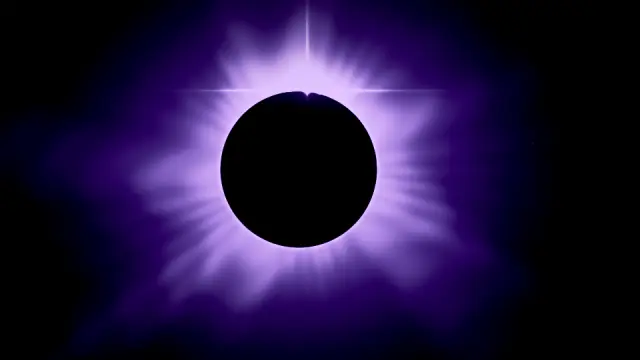 Eclipse
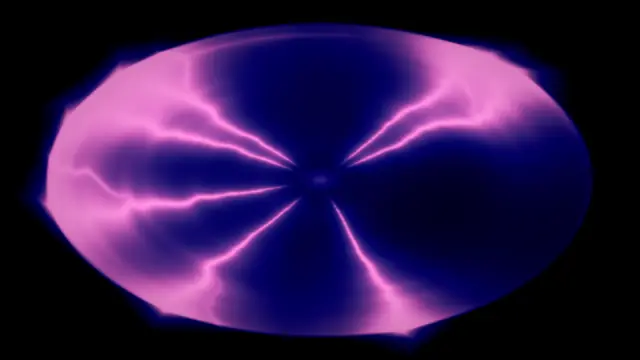 Plasma Globe
 Pillars of Fire
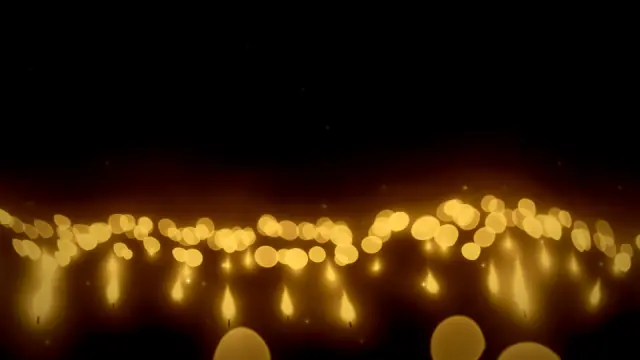 Candlelight
 Fairy Lights
Each tile is that Kind with a palette picked and a few dials set, as the Studio previews it.
Plus 18 starters to begin from — 6 of them new.
 First Light
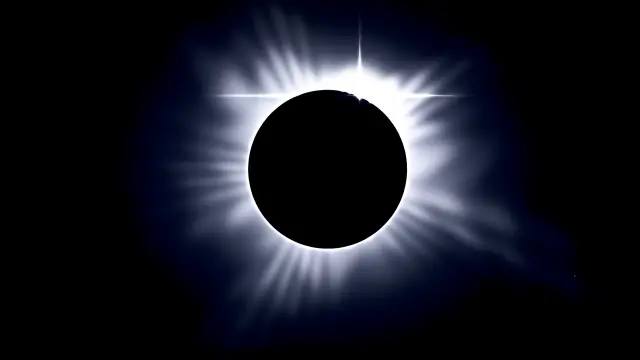 Sixth Hour
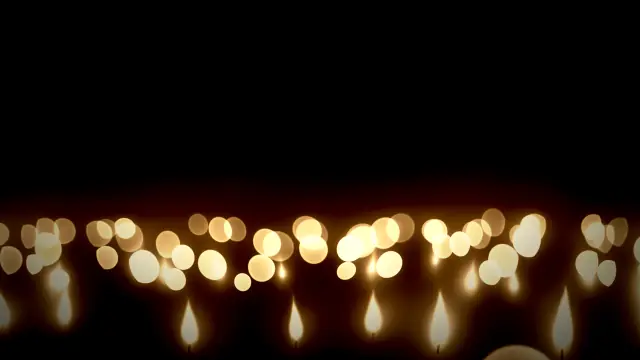 Silent Night
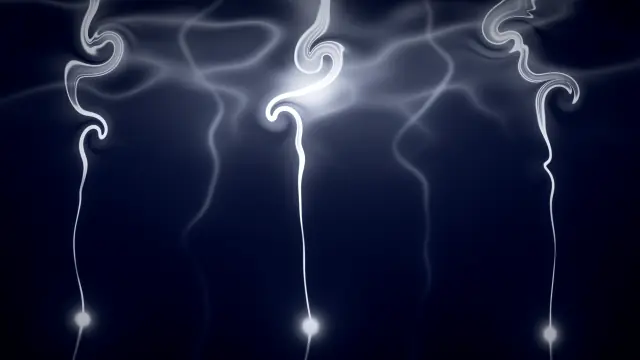 Like Incense
 Jubilee
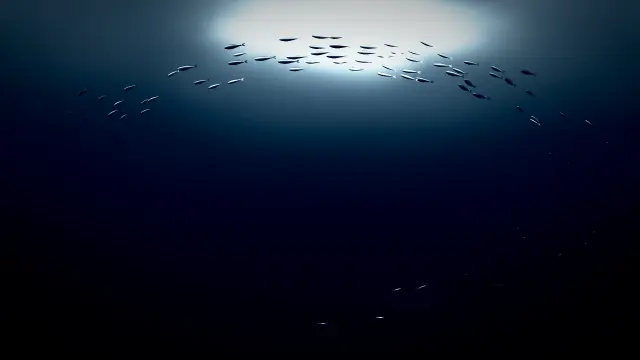 Into the Deep
New · Title looksPRO
A finished title in one tap.
9 looks for every part of the service, already animated. Retype the words and you’re done.
Moves include Letter cascade, Word slide, Mask wipe, Tracking expand, Scale punch, Glitch and Light sweep.
New · Motion & timelinePRO
In, out and while. No keyframes.
Give every layer an entrance, an exit and a loop of its own, then drag its bar on the timeline to set when it arrives and leaves. Exports land on the exact frame.

Lyric effectsPRO
Words that glow from the inside.
Fill your lyrics with any of the 154+ effects, stack shapes, logos and images, mask one layer into another — and export it all as one seamless MP4.
New: glow with a white-hot core, a soft shadow stack and a hollow neon outline.
New · GIF & video layersPRO
Bring your own footage.
Drop in GIFs and videos — light leaks, dust, haze, your church’s own footage — under or over the words. They play in step with the timeline, loop cleanly, and every export uses the exact frame.
Kept on this device: your GIFs and videos stay in the browser or app you added them in, not in your account. Formats and limits
New · Crossfade, loops & Preview windowEvery plan
What you preview is what plays on Sunday.
Blend or crossfade a second effect — ease from a calm verse bed into a brighter chorus at the second you choose. Open the Preview window on a projector or second screen for a true 16:9 view.
- Crossfades and layers now wrap in the preview with the same soft 1.5-second dissolve as a default export — no surprise hard cut.
- Seamless loop export on every plan. Pick a 0.5–3 s seam.
- PROWith Pro, the Preview window follows the timeline’s play, pause and scrub — with GIF and video layers playing live, in step.

New · Song buildsEvery plan
Build a song in stages.
Verse bed, chorus lift, bridge, final chorus — each stage its own look and its own file. Add the next stage and it opens with the look copied, named for you.
- Jump between stages from the numbered strip — or step with [ and ] — and hold Compare to see the stage next door.
- Drag to reorder, rename or move stages right in the strip. “Make this a build” files loose numbered projects into a song.
- On the dashboard every stage shows its number, Sort stages puts a song back in order, and you can reorder from your phone. On a wide screen, albums sit in a sidebar.
Export the whole song at once. PRO
Every stage becomes its own video, numbered song-first so it sorts right in your ProPresenter or EasyWorship media folder — each at its own length, never watermarked.
Exporting the song makes 4 videos, one per stage: It Is Well 01.mp4, It Is Well 02.mp4, It Is Well 03.mp4, It Is Well 04.mp4.
In the browser it downloads as one ZIP — keep the tab open. In the desktop app, pick a folder and each file lands the moment it’s done, and it keeps going while you switch apps.
SongServant DesktopAnnual plan
Lyrics over your live camera. No keying.
The Annual plan includes SongServant Desktop for Mac and Windows. On a Mac it exports your lyrics as a transparent ProRes 4444 overlay — effect-filled words over your camera feed in ProPresenter, one overlay per stage.
- It Is Well 01-overlay.mov
- It Is Well 02-overlay.mov
- It Is Well 03-overlay.mov
- Native save dialogs, and song and album exports straight into a folder you pick — no ZIP
- Sign in once and it sticks
- Updates itself quietly
Desktop is a bonus, never a requirement — every plan keeps full access in the browser.
Simple, honest pricing.
Start free. Upgrade when you need titles, lyrics and 4K.
Every plan includes all 154+ effects, the Effect Studio, song builds, collections, the Preview window and seamless loops.
Free
$0foreverMake it, preview it, use it Sunday.
Start freeFree plan · No credit card
- All 154+ effects
- Effect Studio
- Song builds & collections
- 720p at 30 fps
- 5 watermark-free exports, then watermarked
- Not included: 1080p & 4K, 60 fps
- Not included: Layers: lyrics, titles, GIF & video
- Not included: Whole-build export
Monthly
$12CAD/moFull Pro, billed monthly. Cancel anytime.
Start Monthly- Up to 4K at 60 fps
- Unlimited watermark-free exports
- Layers: lyrics, titles, shapes, images, GIF & video
- Title looks, motion & Layer style
- Whole-build export
- Everything in Free
- Best value
Annual
$129.99CAD/yr$10.83/mo
Save 10% vs monthly.
Start Annual- Up to 4K at 60 fps
- Unlimited watermark-free exports
- Layers: lyrics, titles, shapes, images, GIF & video
- Title looks, motion & Layer style
- Whole-build export
- Everything in Free
- SongServant Desktop for Mac + Windows (transparent overlays on Mac)
30-Day Access
$10CAD one-timeOne payment, no subscription.
Buy 30-Day Access- Pro for 30 days
- Up to 4K at 60 fps
- Unlimited watermark-free exports
- Layers: lyrics, titles, shapes, images, GIF & video
- Title looks, motion & Layer style
- Whole-build export
- Everything in Free
Questions, answered.
Anything that plays video. Studio exports standard MP4 files, so they work in ProPresenter, EasyWorship, MediaShout, OpenLP, PowerPoint, Keynote, OBS and more.
Free includes every built-in effect, the Effect Studio, song builds, collections, the Preview window and seamless loops, with exports at 720p and 30 fps — your first 5 exports have no watermark, then exports are watermarked. Pro adds 1080p and 4K, 60 fps and unlimited watermark-free exports, plus layers (lyrics, titles, shapes, images, GIFs and videos), title looks, motion, Layer style and whole-build export.
No. Studio runs in your web browser — sign in and start creating. It works best in Chrome or Edge. The Annual plan also includes SongServant Desktop for Mac and Windows: native save dialogs, exports straight into a folder you choose, a sign-in that stays — and, on a Mac, transparent ProRes 4444 lyric overlays.
In the browser or app where you added them — not in your account. They play and export there. Anywhere else (another browser, computer, phone or the desktop app) the layer shows a still frame until you re-add the file. Video sound isn’t used.
MP4, MOV, M4V, WebM, MKV and GIF. Transparent GIF, WebP and WebM stay transparent, and dark footage starts on Screen blend, so black drops out. GIFs can be up to 20 MB and 1,000 frames; videos up to 250 MB, 2 minutes and 4K; up to 4 per stage. They play best in Chrome or Edge.
A song made of stages — say verse, chorus, bridge and final chorus — each with its own look and its own file. Add the next stage in one tap, hold Compare to check it against the stage next door, and with Pro export the whole build as numbered files.
When you export, Studio blends the end of your clip into its start, so it loops with no visible cut. You choose the seam length, from 0.5 to 3 seconds, on every plan. When your background crossfades or you have layers, the live preview wraps with the same 1.5-second dissolve a default export uses.
Yes. All exported videos are yours to use royalty-free in your church services, livestreams, and events. No attribution required.
Studio uses efficient WebGL shaders that run well on most hardware. If you have a dedicated GPU you'll get the best performance, but integrated graphics work fine for most effects.
Absolutely. Cancel anytime and you keep Pro access through the end of your billing period. Your projects are always yours — you can still view them on the Free plan.
Light up Sunday.
Start free with every effect and the Effect Studio. Upgrade when you’re ready for titles, lyrics and 4K.
Free plan · No credit card